
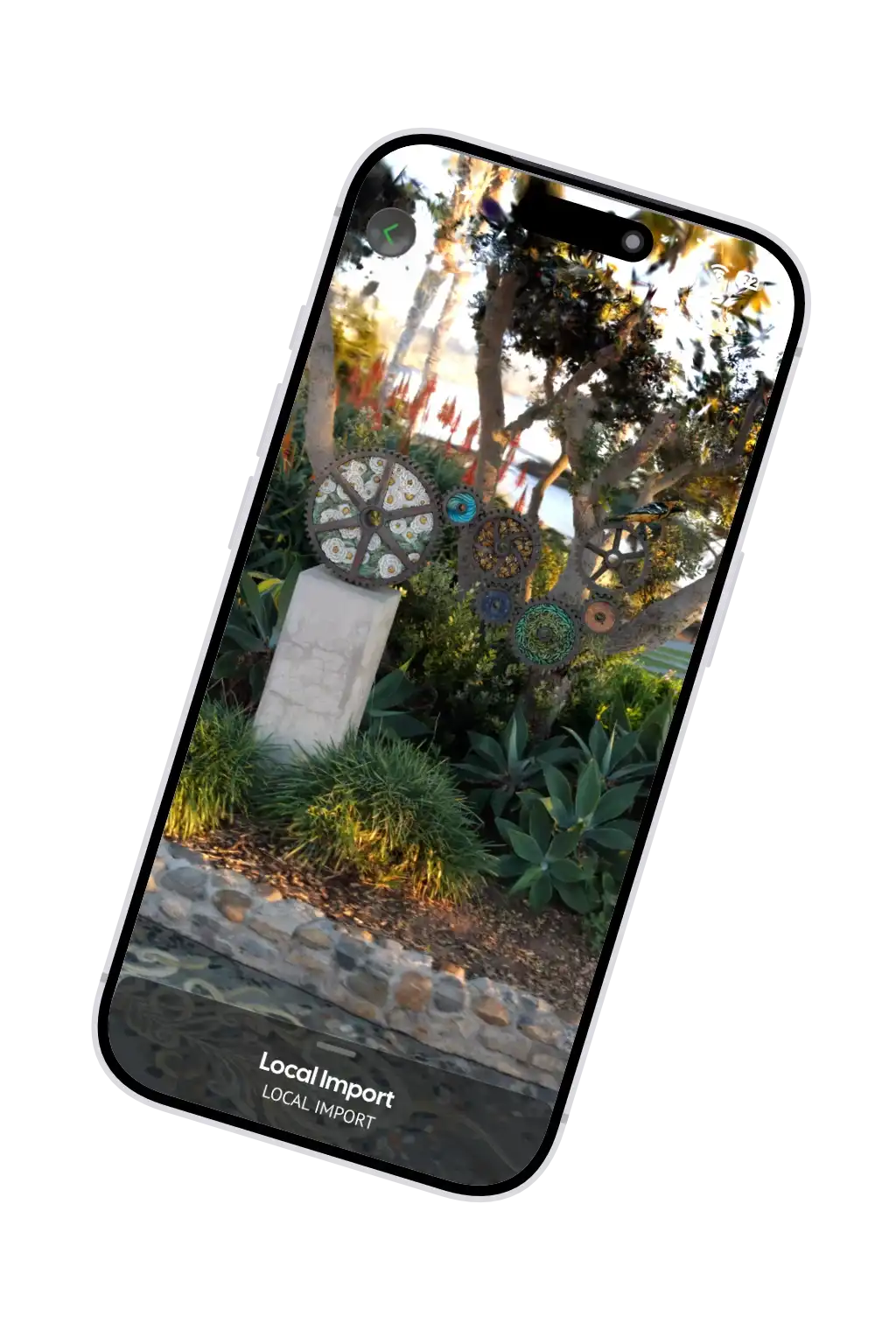

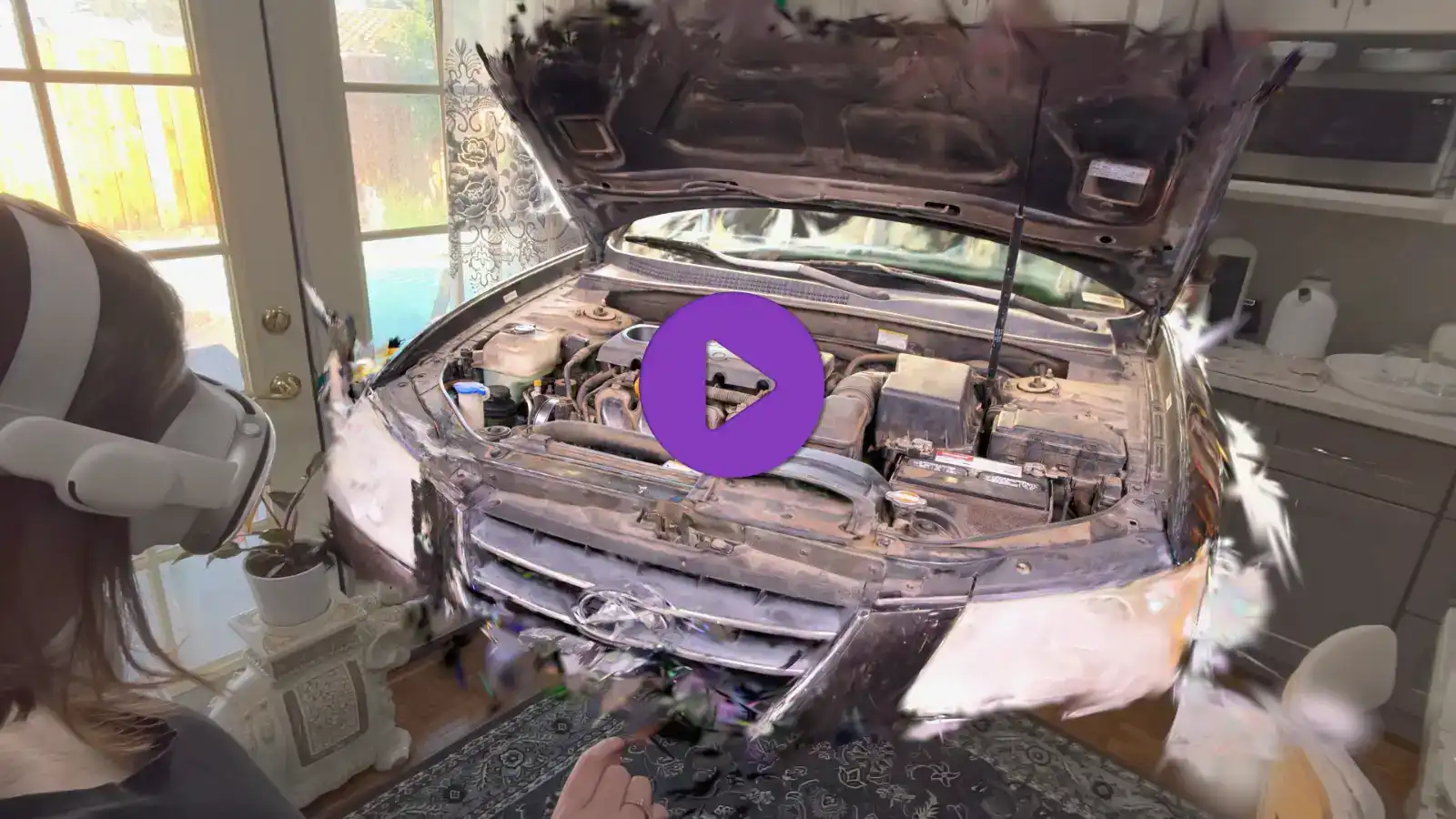
Spatial Fields helps professionals visualize their life-like captures
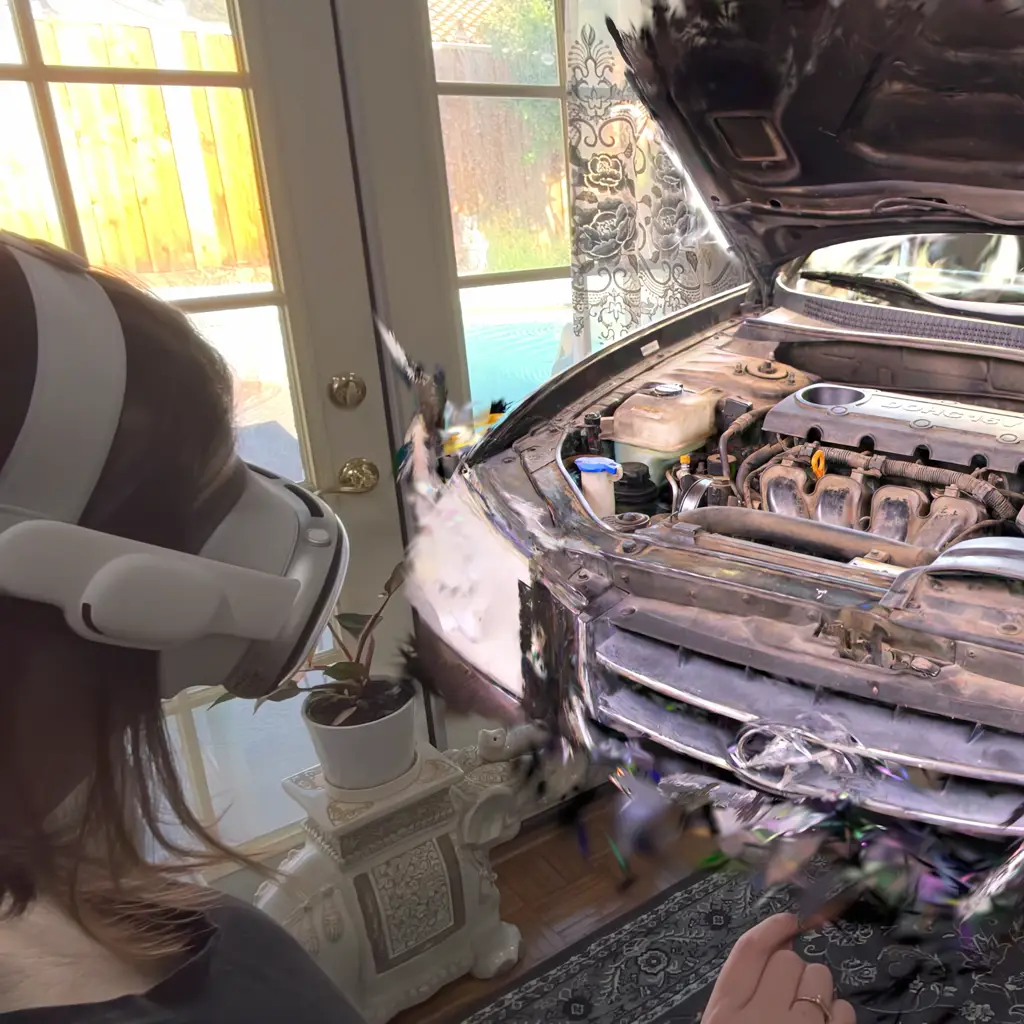
Dive into scenes
Explore high-fidelity captures with Apple Vision Pro in mixed reality. Leverage your Apple Silicon Mac for larger captures and view untethered.
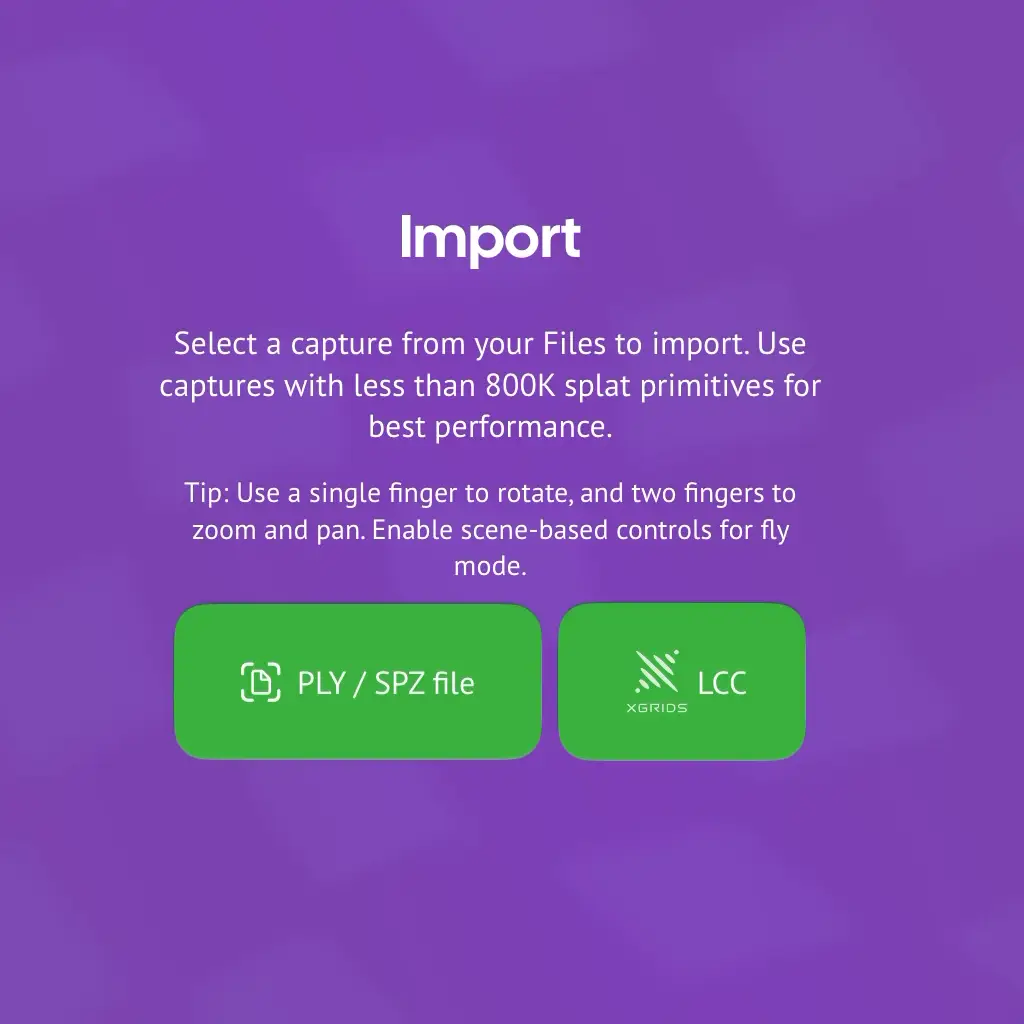
XGRIDS LCC support
Load LCC exports with dynamic LODs and metadata for seamless, high-quality viewing.
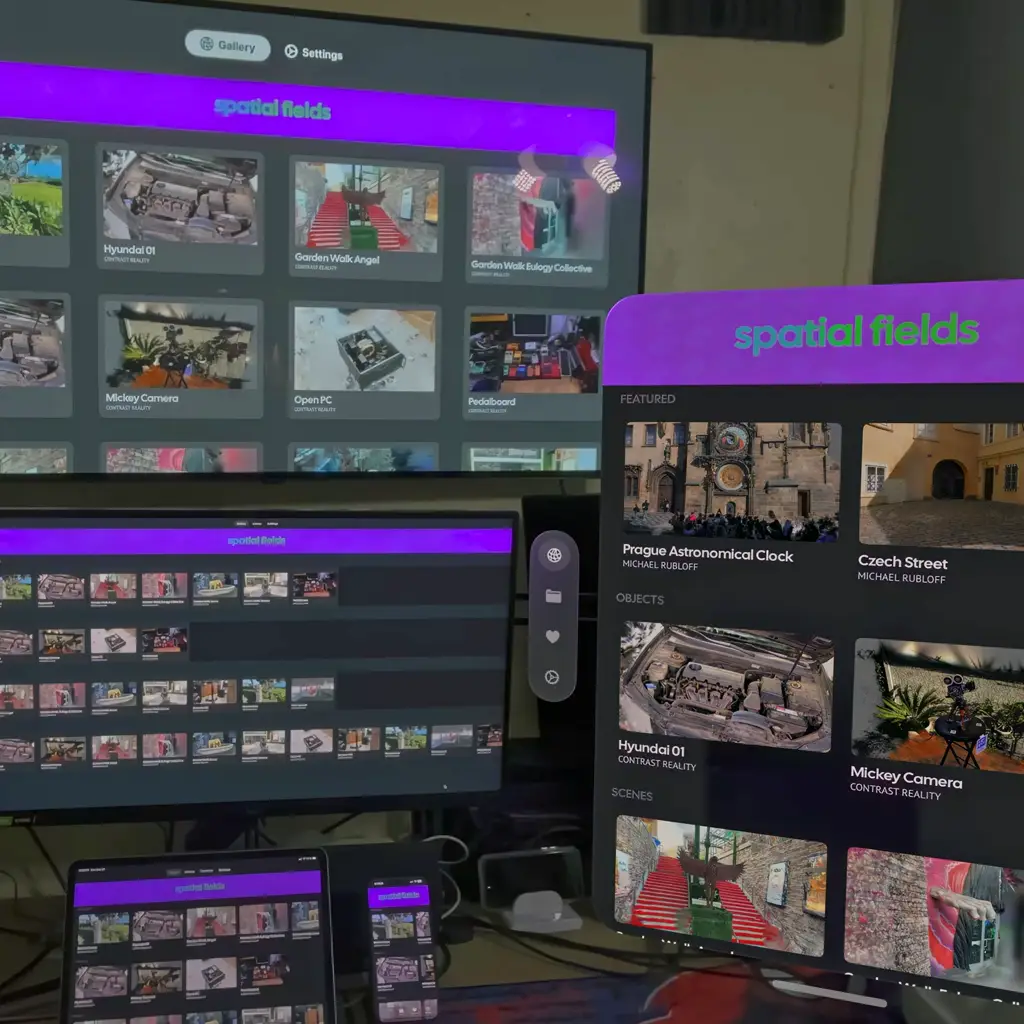
View Anywhere
Share across all your Apple devices. Upload once to your cloud or local storage to view across visionOS, iOS, macOS and tvOS.
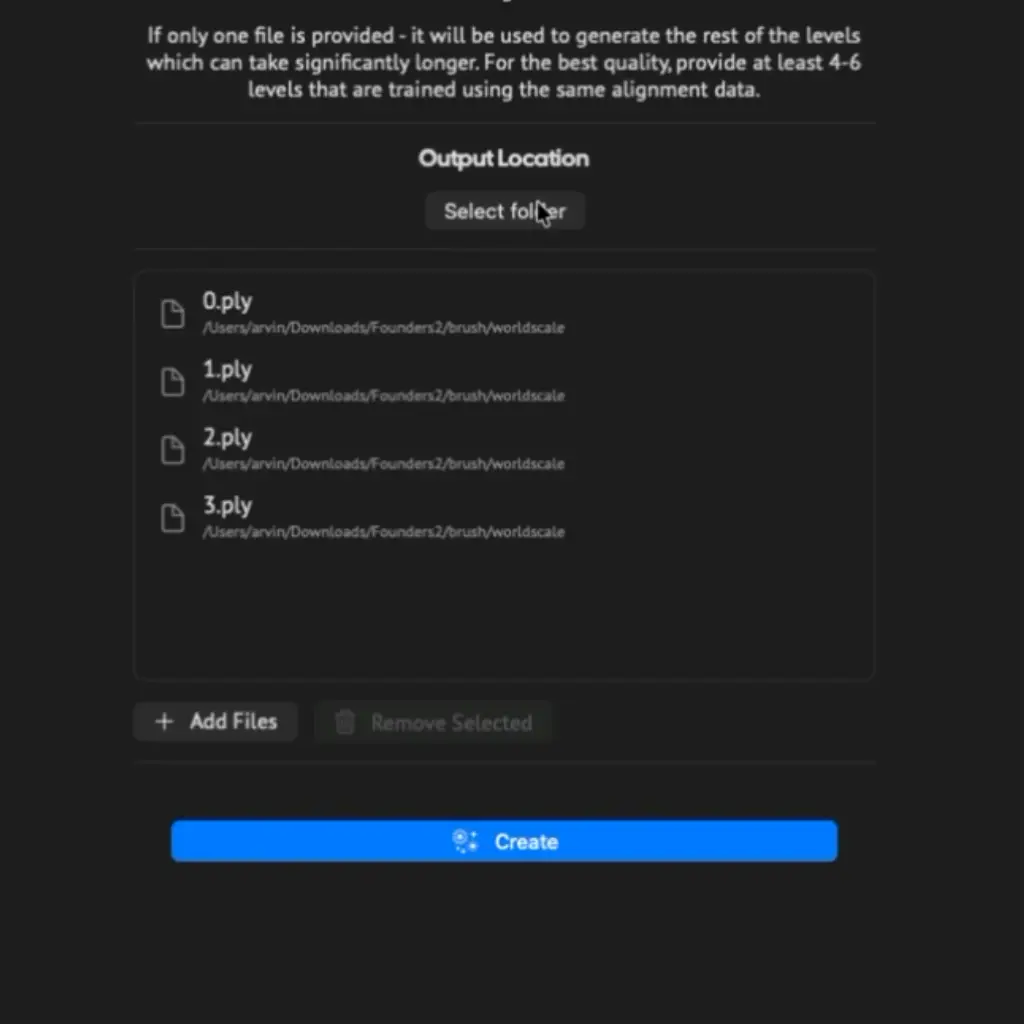
Scalable Fidelity
Import or generate an LCC export with multiple LOD to dynamically scale support for iPhone, Apple Vision Pro and Mac.
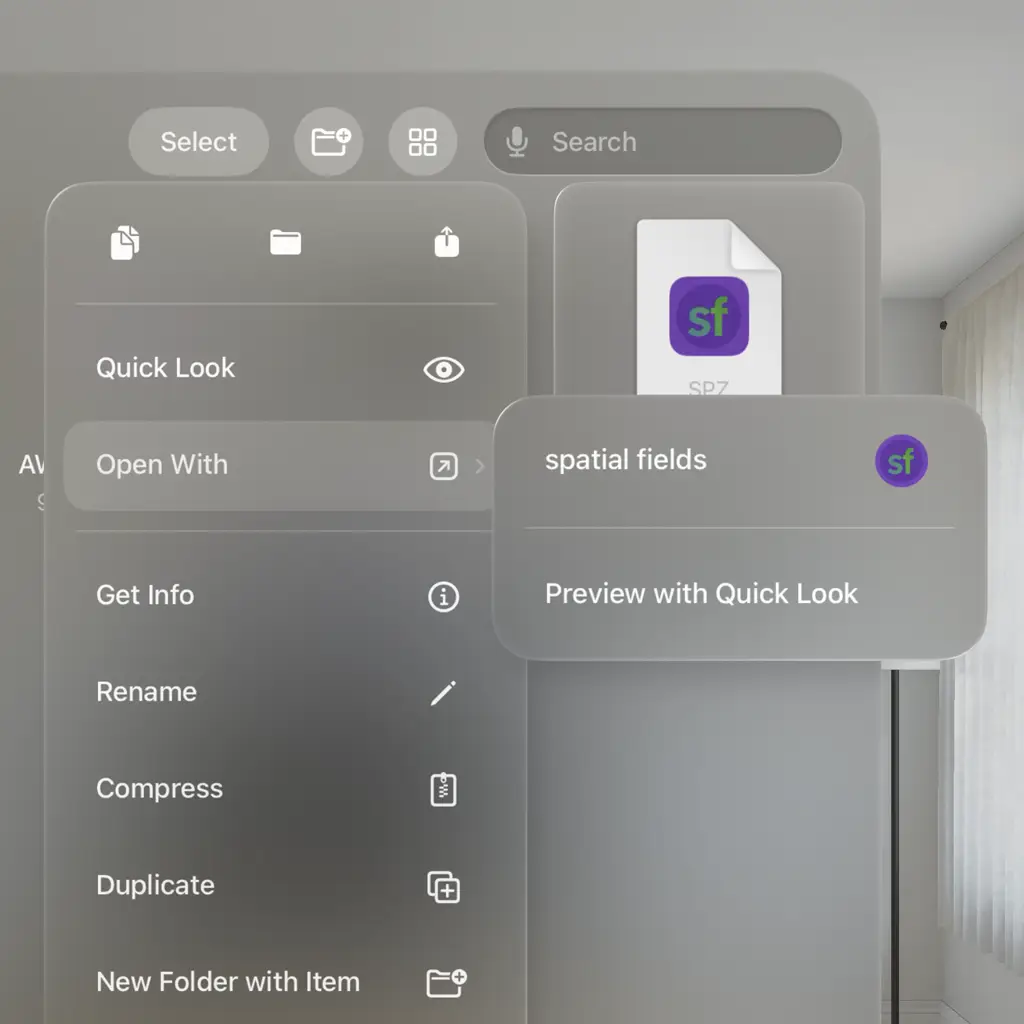
Decouple Processing
Import captures from anywhere that provides PLY or SPZ files. Our viewer preserves full fidelity.
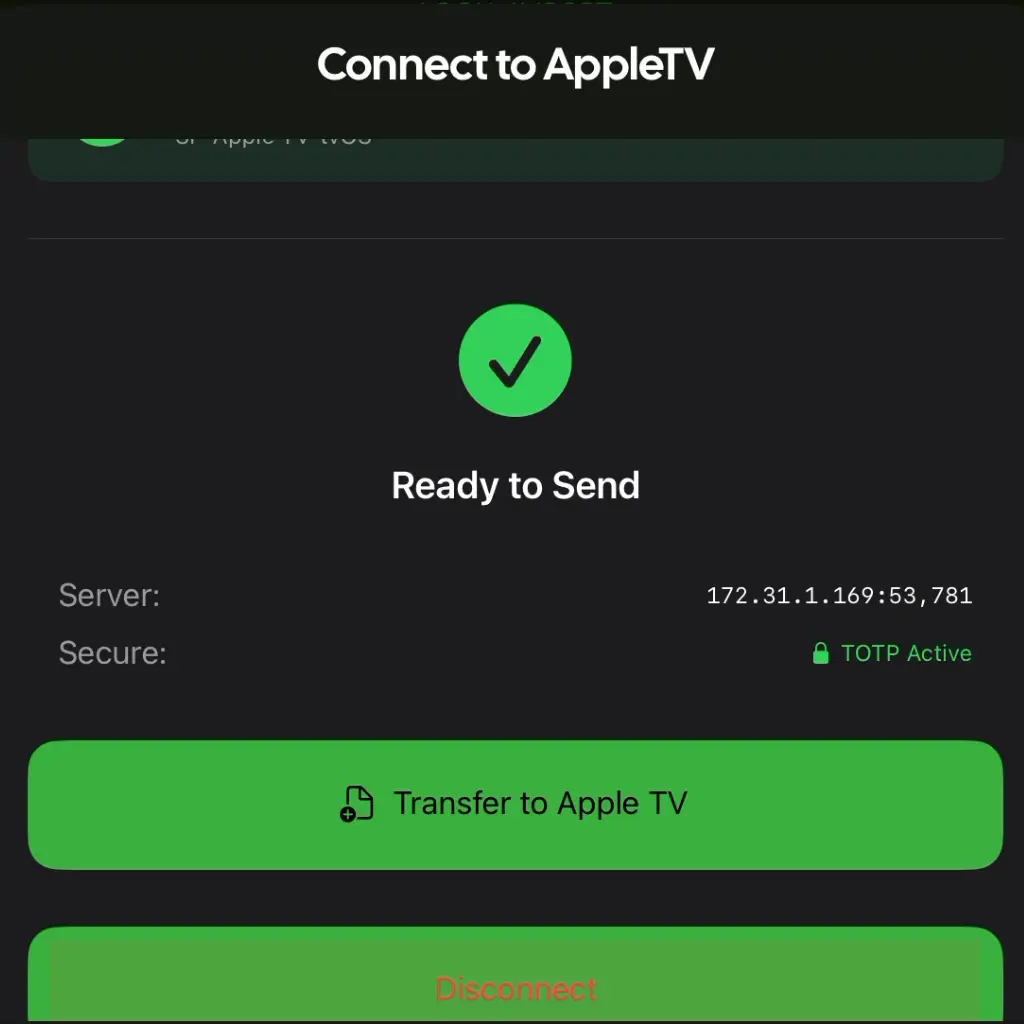
Security and Privacy
Store and access your captures using iCloud, local, or private cloud, even viewing on the Apple TV is done securely over your local network. Your data stays in your control.

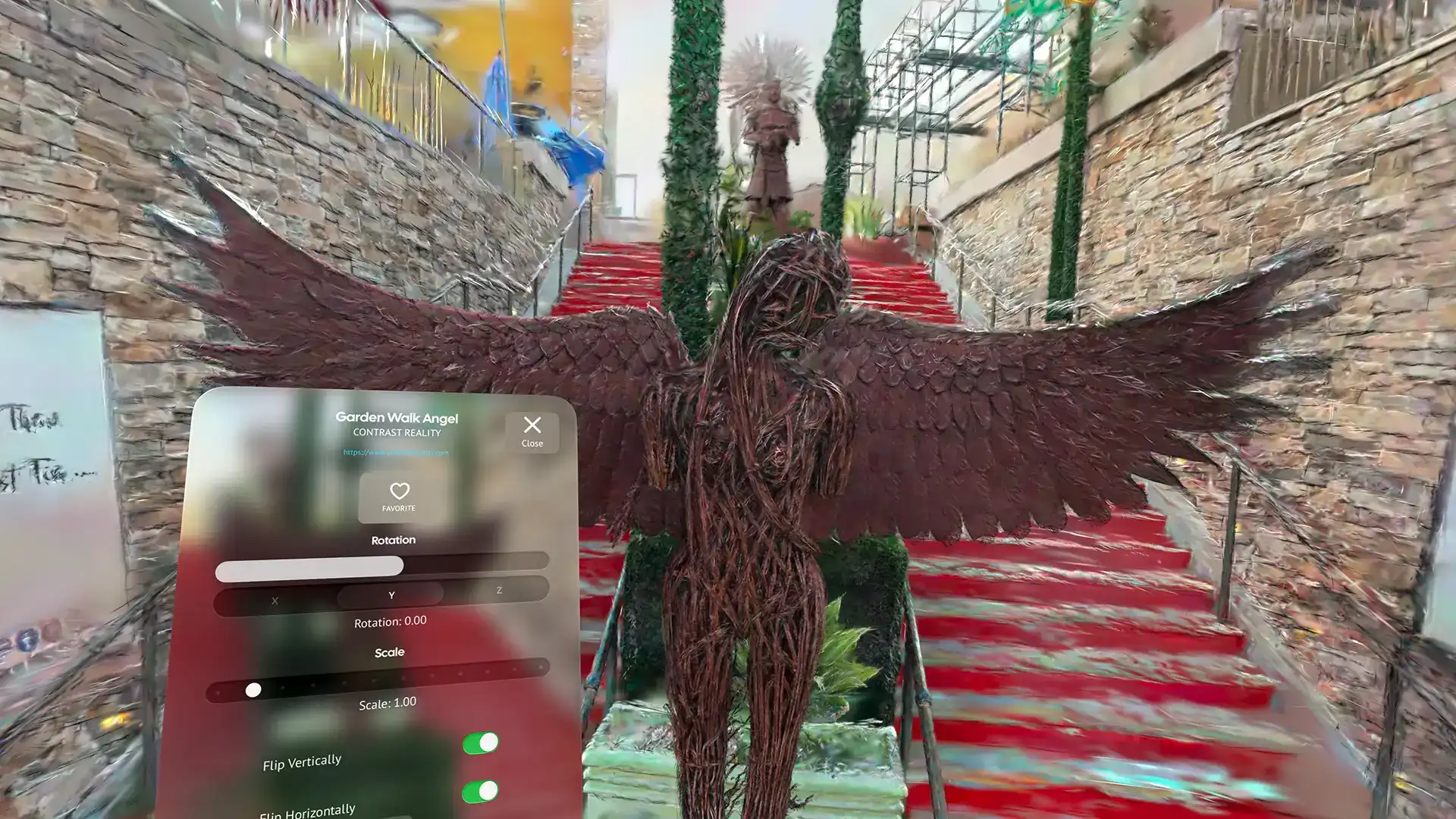
Performance without sacrificing fidelity
Experience real-time, high-fidelity 3D captures anywhere. View your splats in mixed reality with the Apple Vision Pro, on screen with Apple TV or on the go with iPhone, iPad, or Mac. Preserve life-like lighting and reflections powered by spherical harmonics. Unlock advanced performance for larger captures with Apple Silicon Macs and untethered Vision Pro viewing.
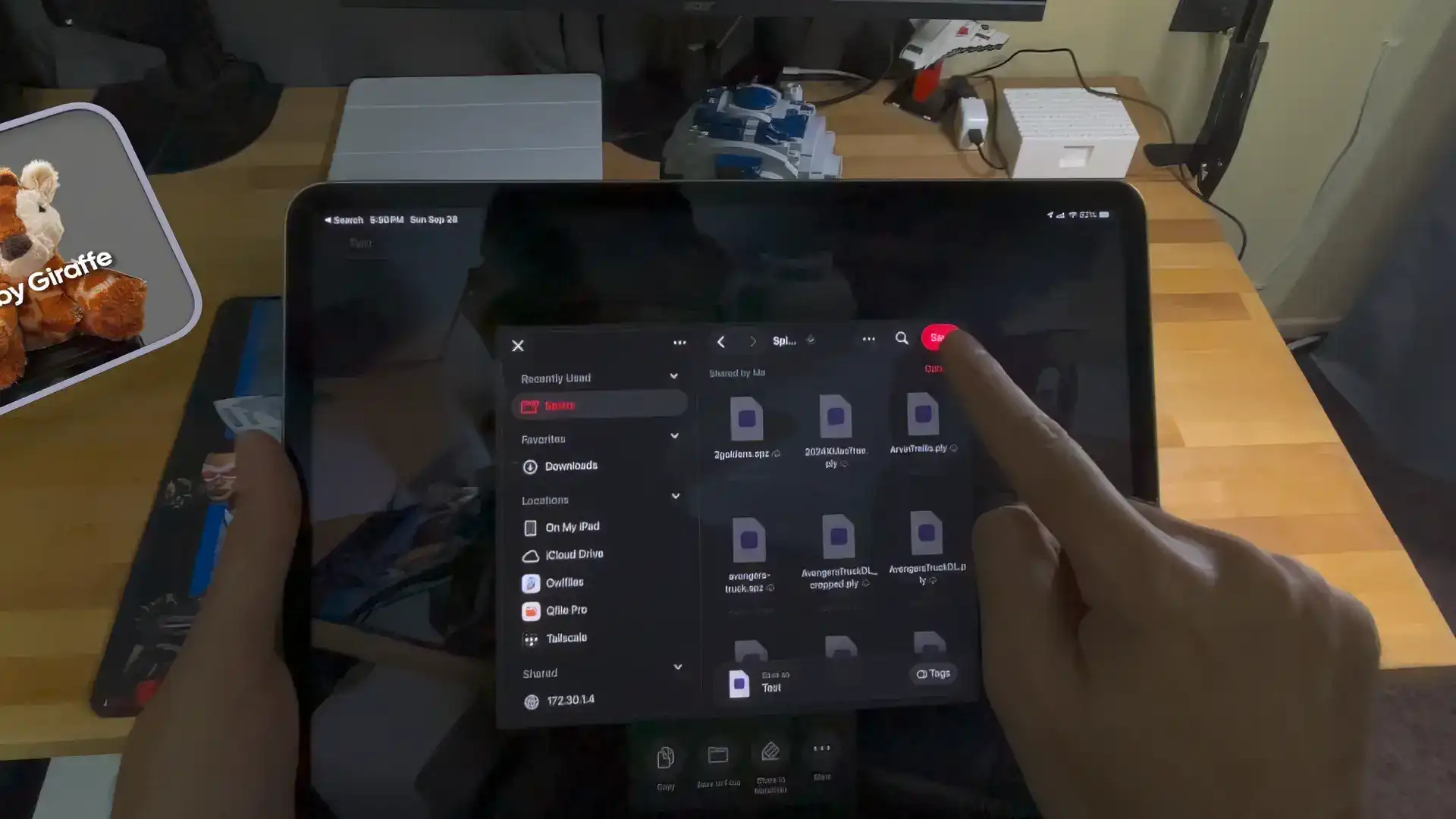
Supports the formats you need
Effortlessly import PLY, SPZ, and LCC exports from any service or device, stream dynamic LOD levels for high-quality viewing on iPhone, Mac and Vision Pro, and access metadata including XGRIDS device info recorded at capture time to preserve all details.
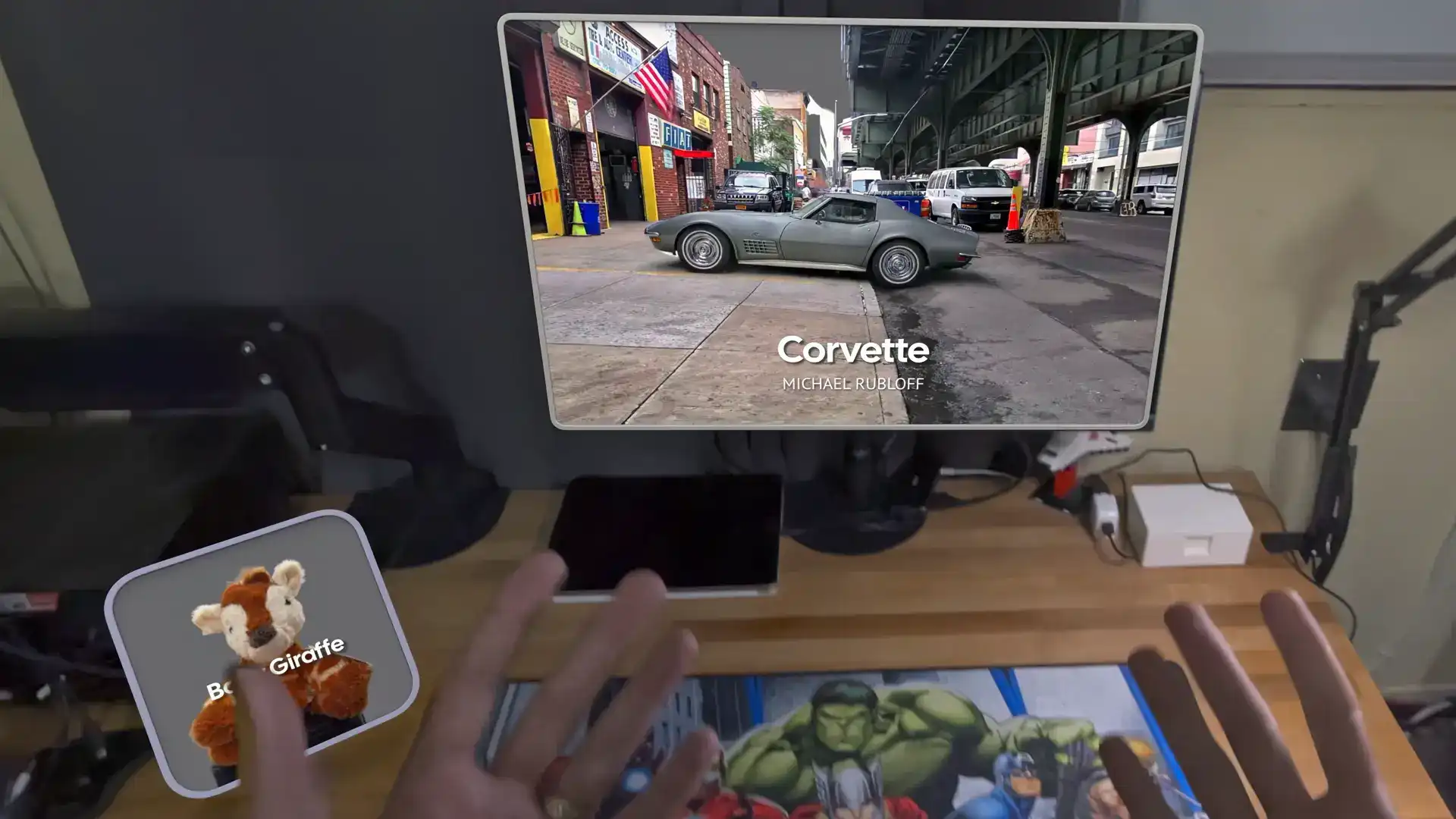
For Power Users
Unlock advanced features for power users: frustum culling, GPU render path, shader-based dynamic LOD, on-demand rendering, fly mode and Apple TV mirroring. Spatial Fields is built to handle professional workflows.
FAQ
Contact Us
Have questions or need support? Reach out to us at info@contrastmedialabs.com.